Overview & Getting Started
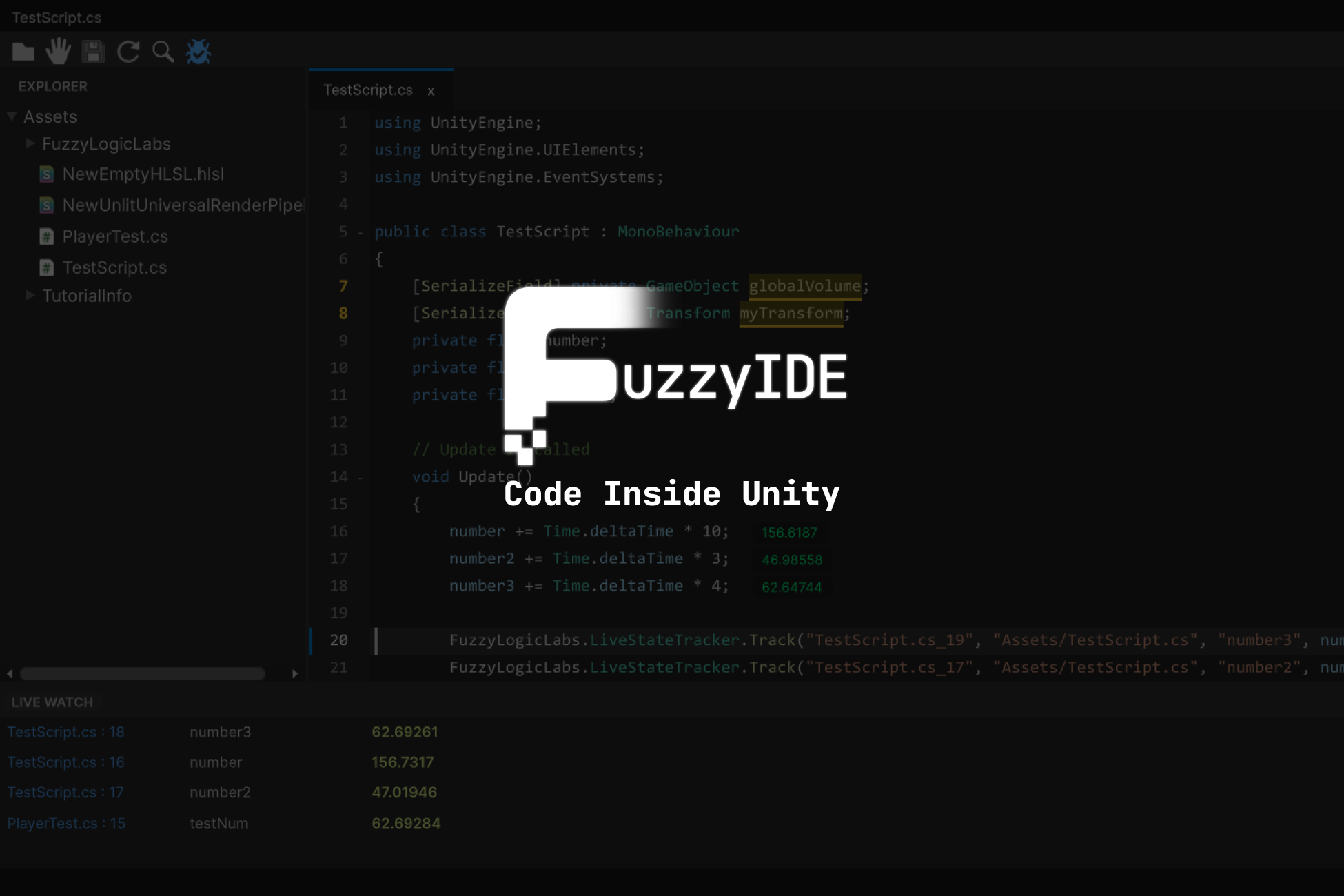
FuzzyIDE brings modern code editor ergonomics and runtime intelligence directly into the Unity Editor. It provides a lightning-fast internal C# code editor, dockable workspace panels, real-time variable tracking at 60 FPS, an integrated CLI terminal, and an intelligent project-aware AI assistant.
1. Key Capabilities
⚡ Blazing Fast Virtualization Engine
Opening a 10,000-line state machine or AI behavior tree? FuzzyIDE’s custom UI Toolkit virtualization engine renders only what is visible within your viewport. Enjoy silky-smooth scrolling with zero lag or memory spikes.
🐞 Live State Tracker (Visual Debugging)
Say goodbye to Debug.Log console spam. Right-click any variable in your code to watch its values update in real-time at 60 FPS inside the dedicated Watch Panel. Variable trackers are injected safely into the AST with zero garbage collection allocations.
💻 Integrated CLI Terminal
Execute command-line tools, node scripts, build automations, and git operations directly within Unity. FuzzyIDE features a multi-tab terminal with ANSI color support, tab renaming, and automatic project root synchronization.
🤖 Workspace-Aware AI Assistant
Your built-in co-pilot understands your active project files. Ask questions, generate new classes, analyze compiler errors, and review diffs with side-by-side accept/reject before auto-applying changes.
🎯 Smart Drag & Drop
Drag prefabs, materials, textures, or hierarchy GameObjects directly into your C# scripts. FuzzyIDE automatically generates serialized fields or resource loaders without manual boilerplate typing.
2. Quick Setup & Navigation
Accessing FuzzyIDE Windows
All IDE windows are native Unity Editor windows that can be docked anywhere in your workspace. Open them from the top menu:
Window > Fuzzy Logic Labs > Fuzzy IDE
- Code Editor: The central IDE window with syntax highlighting, minimap, and multi-tab editing.
- AI Assistant: The integrated chat and code generation panel.
- Live Watch Tracker: Real-time variable monitoring during Play Mode.
- Terminal: Embedded command line interface.
Default Editor Setup
To open C# scripts in FuzzyIDE by default when double-clicking them in Unity:
- Navigate to Edit > Preferences > Fuzzy Logic Labs > Code IDE (or Unity > Preferences on macOS).
- Under the Behaviors tab, enable Open Scripts in Fuzzy IDE Default.
3. Documentation Sections
- Toolbar & Core Navigation: Explorer toggle, split view, domain reload, and global search.
- Editor Windows & Docking: Managing and docking native Unity IDE panels.
- Live Watch Tracker: Zero-allocation real-time variable debugging.
- Integrated CLI Terminal: Multi-tab terminal workflows.
- AI Assistant & Co-Pilot: Workspace-aware AI assistance.
- Smart Drag & Drop: Drag-and-drop code generation.
- Context Menu & Quick Actions: Contextual refactoring and auto-imports.
- IDE Preferences & Settings: Themes, fonts, behaviors, keybindings, and AI keys.
- Keyboard Shortcuts: Comprehensive keyboard shortcut cheat sheet.
- Core Classes & Architecture: UI Toolkit internals and virtualization architecture.
- LiveStateTracker API: Scripting API for runtime variable tracking.